The goal for this project was to learn how to make interactive learning aids for the Homebrew Computer series. After researching different methodologies, I settled on using the html canvas and vanilla JavaScript to keep things simple.
Fetch Box
Methodology
As with any project, it is important to build up incrementally. My preference is to break systems down into components and to work on each piece in isolation. Only after each component is completed will I work to integrate them within an overarching system. This technique helps by allowing one to quickly build and test a variety of small solutions and leads to a better understanding of the problem as a whole.
Drawing Images
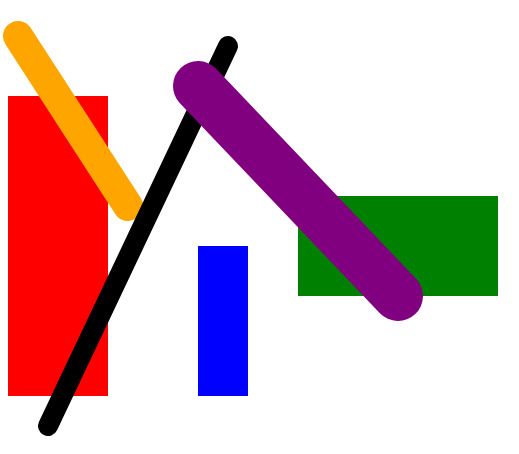
Having never used the canvas before, I started with drawing boxes and lines. I experimented with changing line weight, color, box size, and positioning to get comfortable with drawing API.
Ball
Once I was comfortable with drawing on the canvas, I decided to make a simulation of a bouncing ball. I created a Ball class to hold information such as x and y coordinates, velocity, and orientation. After creating the ball, I added it to the game loop to continuously update and draw the ball moving across the canvas.
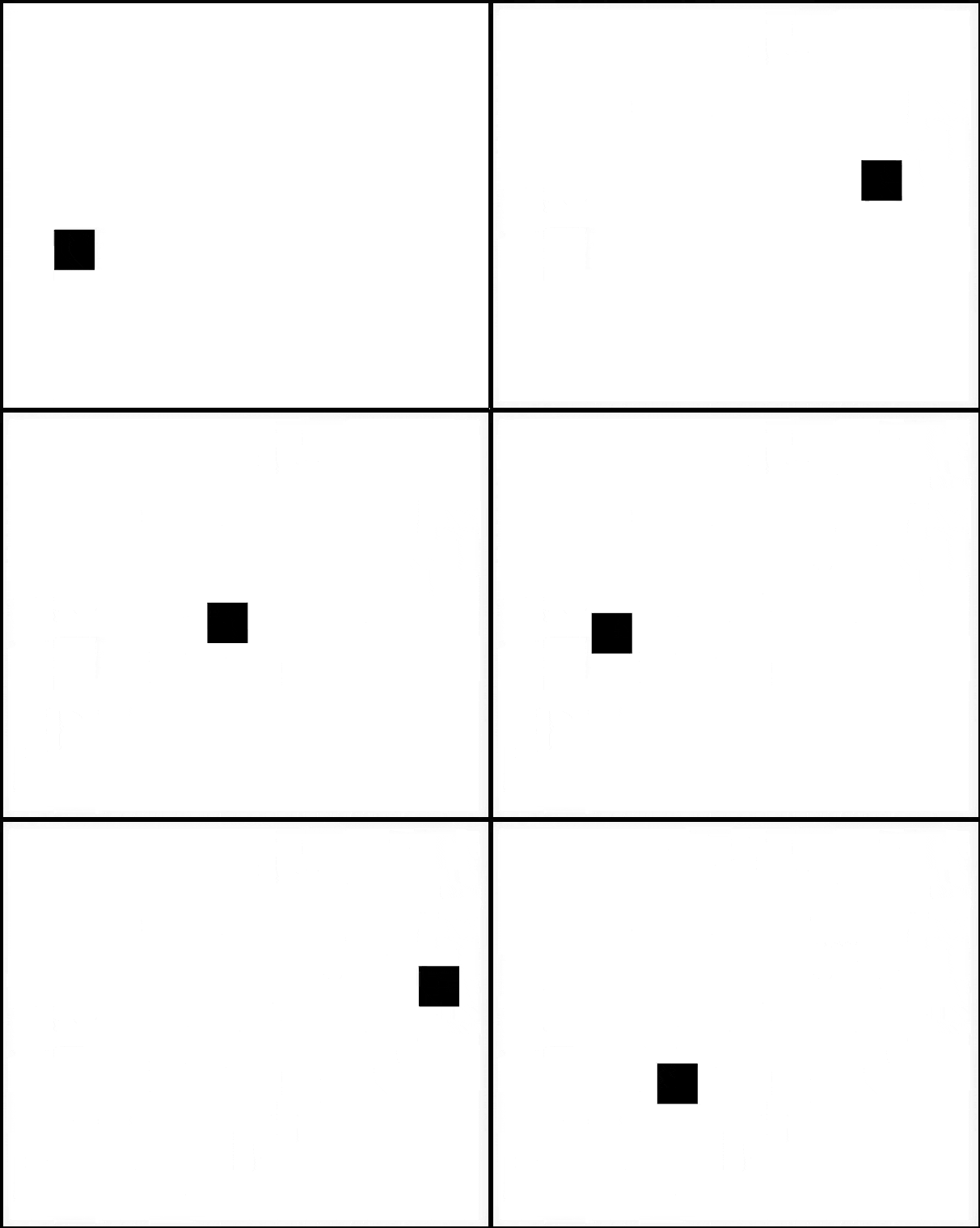
It worked great until I wanted to add physics to the simulation. Through experimentation, I found it easiest to encode the balls movement in x and y velocities rather than angle and velocity. This is because you have to use trig to convert angle and velocity into x and y displacements, but if you store x and y velocities instead you can just use addition. It also trivializes adding gravity and bouncing, which is why using x and y velocities is the most popular technique in game development.
Person
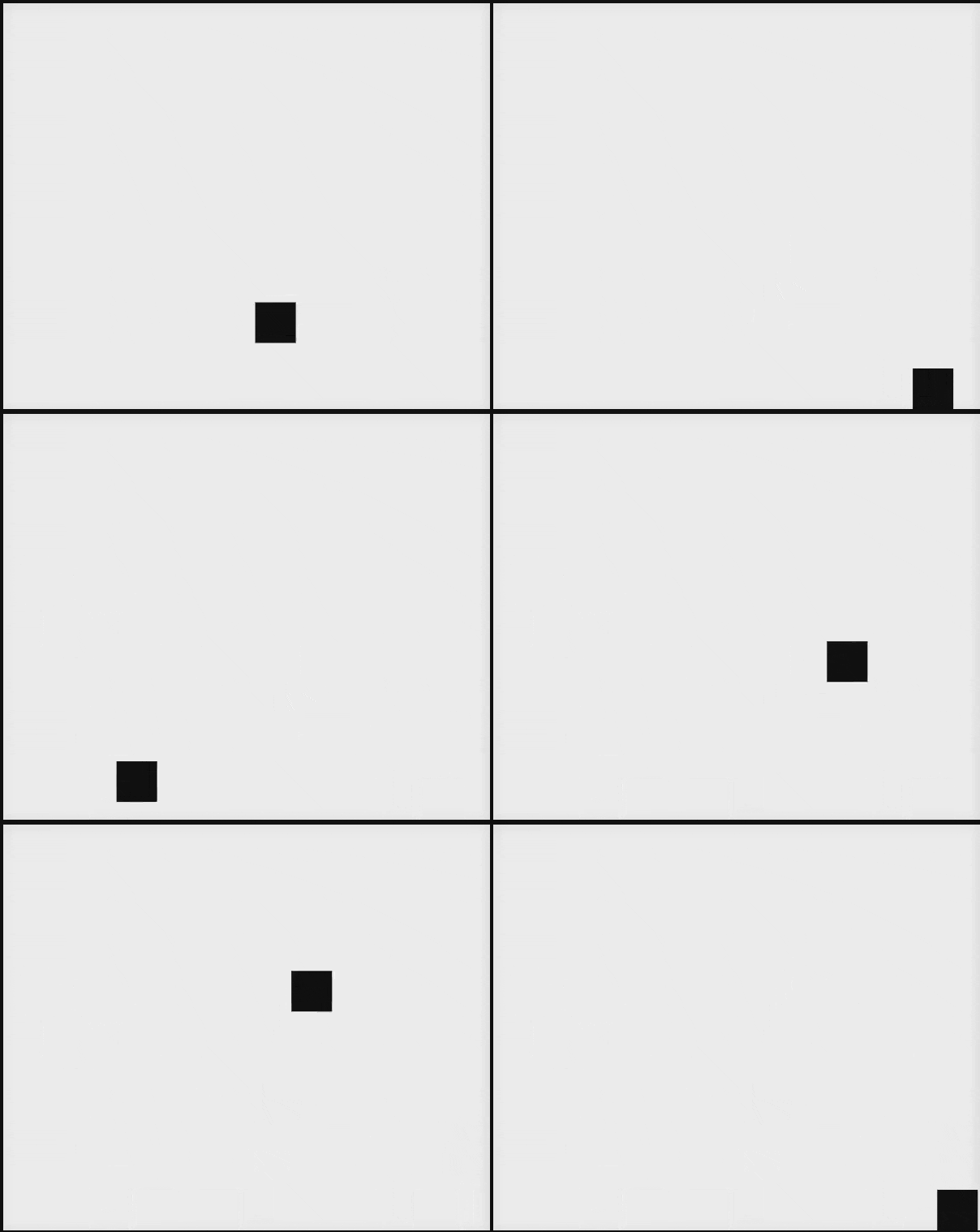
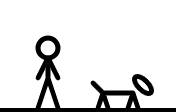
Next was the Person class. This consisted of an x and y position, x and y velocities, and x and y positions for the hands, feet, hips, and neck - these points were used to draw the stick figure's body. Once this was complete, I created a drawing routine to display the person on the canvas. Then movement was added. I created an update function that behaves differently whether the person is waiting or walking. While waiting the person stands still, and when walking the person selects a desired point on the ground and incrementally moves in that direction until the point is reached.

In order to perform the walking animation, I created a variable called swizzle. This variable represents an offset in the x direction. As the person moves the swizzle variable increments until it reaches the width of the legs, and then it switches to decrement. By subtracting the offset from the right leg and adding it to the left leg, the legs scissor back and forth. This gives the impression of walking when the person moves left and right. This same process was used to animate the arms.
Dog
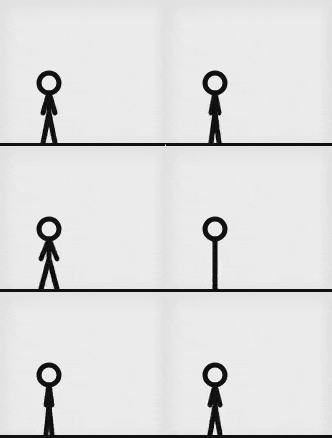
For the dog class, I just copied the person class. I changed the positions of the points representing the arms, legs, pelvis, and neck to give it a dog like appearance. After updating these points the same drawing function could be reused to draw this new form. Finally I added changes to the update function to move the dog at a higher speed and to add an upward velocity when on the ground to make the dog bounce when walking.
Adding Interaction
To make the person interact with the ball, I added a ball variable to the person and a throw state that can be activated when the person has the ball. I provided an animation to move the hand in the direction of the ball's throw trajectory, and when thrown I would add the ball to the game loop and delete it from the person. For the Dog I added a routine where it checks for balls present in the simulation. I added a fetching state that the dog can enter when it detects a ball, and in this state the dog moves to the ball, picks it up - adding the ball to the dog and removing it from the game loop, and then bringing the ball to the person. Once the person was reached the dog would add the ball to the person and remove it from itself. Once this was achieved the cycle was complete. If the person has the ball they throw it. If the ball has been thrown the dog picks it up. Once picked up the dog gives it back to the person to be thrown again.
Improvements
One improvement that can be made is to create a more formalized state machine pattern for use. This would make it easier to add and extend the current states that the individual actors in the simulation can be in. Another improvement would be separating similar data from the ball, dog, and person into components that each entity has. This would make each entity highly configurable and would greatly reduce code duplication.